Memberships on UPI AutoPay, explained
Fans approve a membership once in their UPI app and it renews on its own. Here is what they see, when they are told, and how they stop it.
On this page
A one-off thanks is lovely. A thanks that comes back every month is what lets someone plan their work.
Memberships on Just a Thanks run on UPI AutoPay, the recurring payments built into the UPI apps people already use. There is no card to type in and nothing new to install.
Approve once
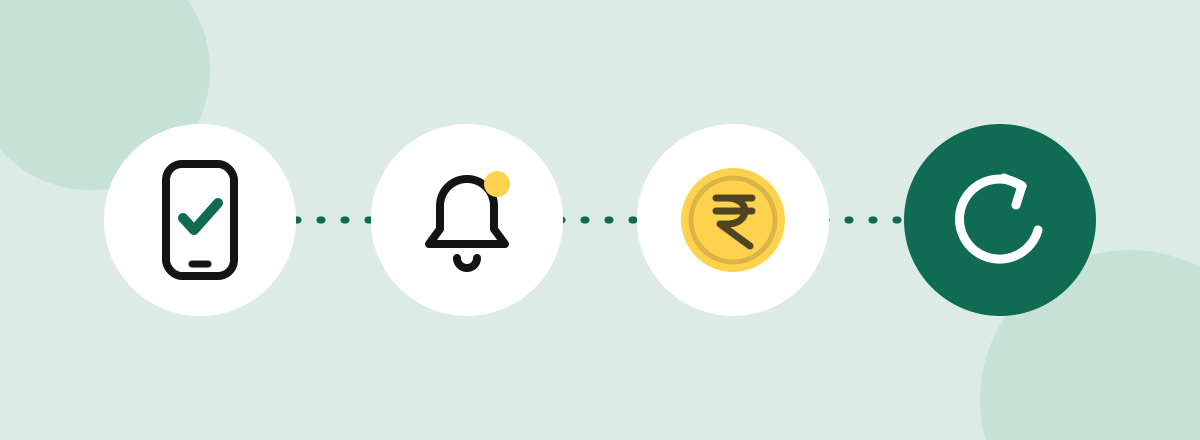
A fan picks a membership tier on your page and chooses to pay. Their UPI app opens and asks them to approve a mandate: the amount, how often, and who it is for. They approve it once with their UPI PIN, the same way they approve any payment.
That approval is the mandate. It lets the membership renew without asking them every time.
It renews on its own
Each tier renews every month or every year, whichever you set. On the renewal date the amount is debited from the fan’s account, and the membership carries on.
You see each renewal in your dashboard as it arrives. Memberships cost 5% plus GST on our fee, the same as downloads, and the rest is yours.
A heads-up before every debit
Before each debit, the fan gets a notification from their UPI app or bank with the amount and the date. Nobody is surprised by a renewal.1
Cancelling is in their hands
A fan can cancel a membership from their UPI app, under the app’s AutoPay or mandates section. They do not need to write to you or to us. Once it is cancelled, no more debits happen.
What you need to do
Nothing extra. Turn on memberships, set a price and a few lines about what members get, and the AutoPay part is handled.
We are in private preview and inviting creators in small groups. If memberships are why you want a page, tell us when you ask for an invitation.
Footnotes
-
Tiers above ₹15,000 work a little differently. Under RBI rules, the bank asks the fan to approve each of those debits again. ↩